
How to Log In:
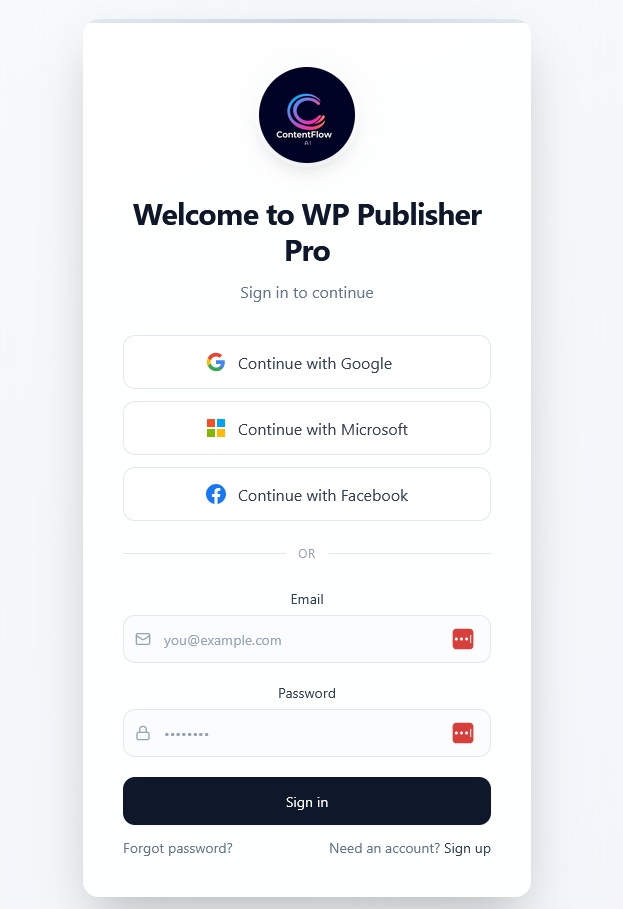
Go to https://app.wppublisherpro.com
- Open the Application: Navigate to the WP Publisher Pro application in your web browser.
- Sign In: If you are not already logged in, you will see a prominent “Sign In with Google” button. Click on this button.
- Authenticate: Follow the prompts to authenticate using your Google account.
After successful authentication, you will be redirected to the application dashboard.
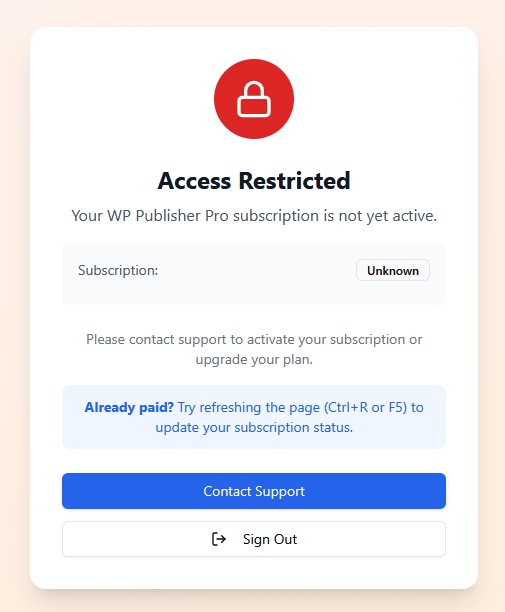
If you’ve already completed your payment but still see this message, refresh the page (Ctrl+R or F5) to update your subscription status. If the message remains, please contact us by email.
Key Features for Getting Started:
Dashboard:
Your central hub to quickly see your active projects, content statistics, and publishing activity at a glance.
Content Editor:
Create and refine articles with powerful AI assistance. Generate content based on your topics, then easily edit and format it.
Bulk Article Generator:
Quickly produce multiple articles simultaneously using keywords and custom settings, perfect for scaling your content creation.
Sites & Publishing:
Connect your WordPress sites to the platform. Manage your publishing destinations and see the status of your live content.
Custom Prompts:
Fine-tune the AI’s behavior by creating personalized instructions for content generation, ensuring your articles align with your brand voice and specific requirements.
Image Creator:
Generate unique images using AI to enhance your articles and make your content visually appealing.
Content Library:
Store and manage all your generated articles, allowing you to preview, download, and organize your content effortlessly.
Publishing Log:
Monitor the status and history of all your publishing jobs, including any errors or successes.
Custom Prompts:
Fine-tune the AI’s behavior by creating personalized instructions for content generation, ensuring your articles align with your brand voice and specific requirements.
Image Creator:
Generate unique images using various AI models to enhance your articles and make your content visually appealing.
Image Prompts:
Create reusable templates for AI image generation, streamlining your visual content creation.
AI Keyword Generator:
Discover new keywords and optimize your content for better search engine performance.
Title Generator:
Instantly generate compelling titles for your articles to attract more readers.
Settings:
Configure your preferences and integrate necessary API keys for seamless operation with AI services and other tools.